

Discover the most frequently asked Copiers and printers questions
What is a multifunction printer?
-
 FAQ
FAQ
-
 Reading time: 1 mins
-
 Copiers and printers
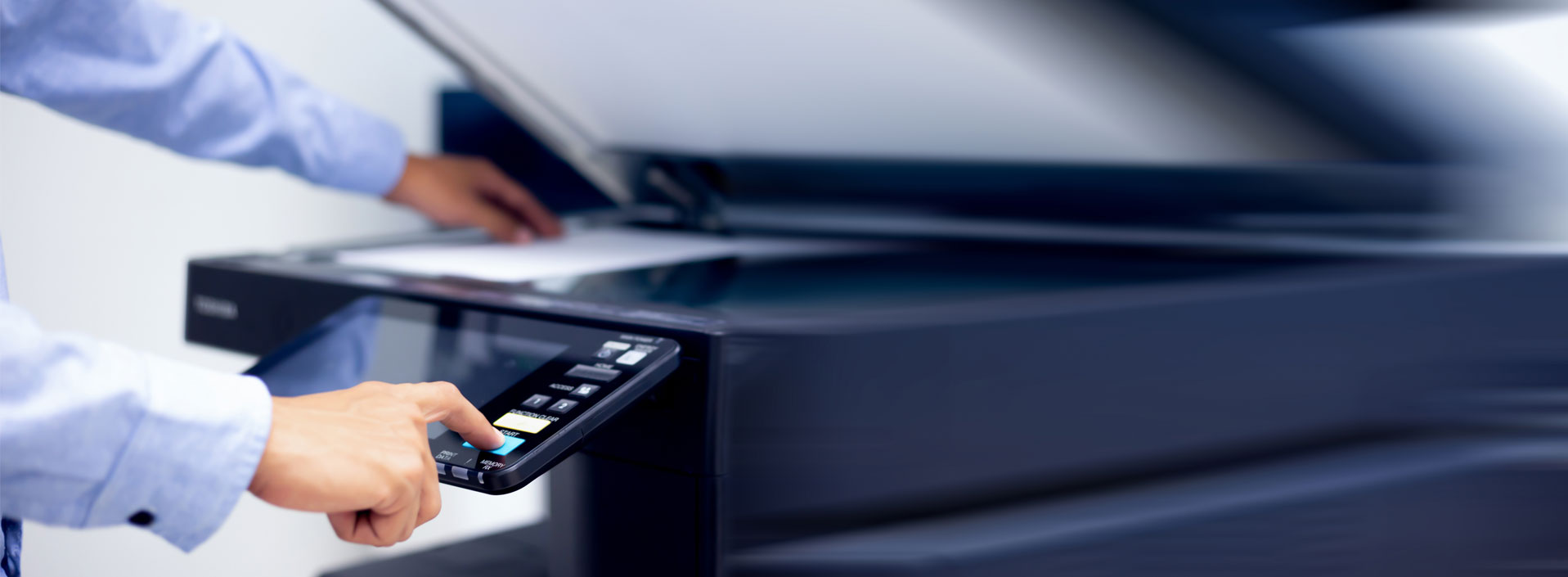
 Multifunction printers or “MFPs” put together, in one single machine, the features of a printer, a copier, a scanner, and sometimes also of a fax machine. By definition, MFPs are necessarily connected to a computer by wired or wireless connection but can sometimes be operated directly from their own control panel like standalone copiers.
In 2019, multifunction printers can be:
- Inkjet multifunction printers, almost always allowing colour printing as well as black-and-white printing,
- Black-and-white laser multifunction printers,
- Colour laser multifunction printers,
- 3-in-1 multifunction printers (print-scan-copy) using either inkjet or laser technology, printing either in black-and-white or in colour,
- 4-in-1 multifunction printers (print-scan-copy-fax) – because fax is falling out of favour in the UK, multifunction printers sold on this market now rarely have fax feature.
Note that black-and-white versions can scan images in colour.
Fill in this form to compare up to 4 quotes:
Advantages of these machines include:
- Convenience in usage compared to separate devices,
- Much smaller footprint than a combination of all respective devices,
- Cost savings related to lower electricity consumption.
Discriminating factors which can be looked into to select the best multifunction printer include:
- Number of functions (with or without fax),
- Colour printing support,
- Printing technology (laser is better for fast printing, inkjet better for colour printing),
- Scanner resolution (if you need high-resolution scanning, check the scanner resolution of the model carefully. Scanner resolutions for multifunction printers are often low),
- Printing resolution (the standard resolution of 300 dpi will be good enough for most printing, unless you require photo quality),
- Available connections (wired, wireless, network like Ethernet or Wifi or simply local like USB),
- Related applications and software, especially for mobile printing,
- Multitasking capabilities,
- Total cost of ownership and cost-per-page.
We therefore recommend comparing several quotes in multifunction printer to choose the best device for your business at the right price.
Discover more Copiers and printers questions :
-

Printer, copier, MFP: what are the differences?
-
Multifunction printers: what are they?
-
What is a stand-alone photocopier?
-
What’s the difference between photocopiers, printers, MFDs and MFPs?
-
How long is a typical service contract for a printer-photocopier?
-
Inkjet or laser: how to make a comparison of printers technologies?
-
What is a fax machine?
-
What are photocopier hazards?
-
What are the different applications of 3D printer?
-
What are laptop printers?
-
What are portable printers?
-
What are the practical uses for 3D printers?
-
What are the uses of thermal printers in daily life?
-
Digital copiers: what are the key features?
-
What is the price of a professional large format printer?
-
Multifunction printers: what are the present trends?
-
What is a copier or photocopier?
-
Digital copiers: how do they work?
-
Refurbished professional copiers: how much are they?
For more information on Copiers and printers go to our buying guide